Cloud Observability vs. Cloud Monitoring

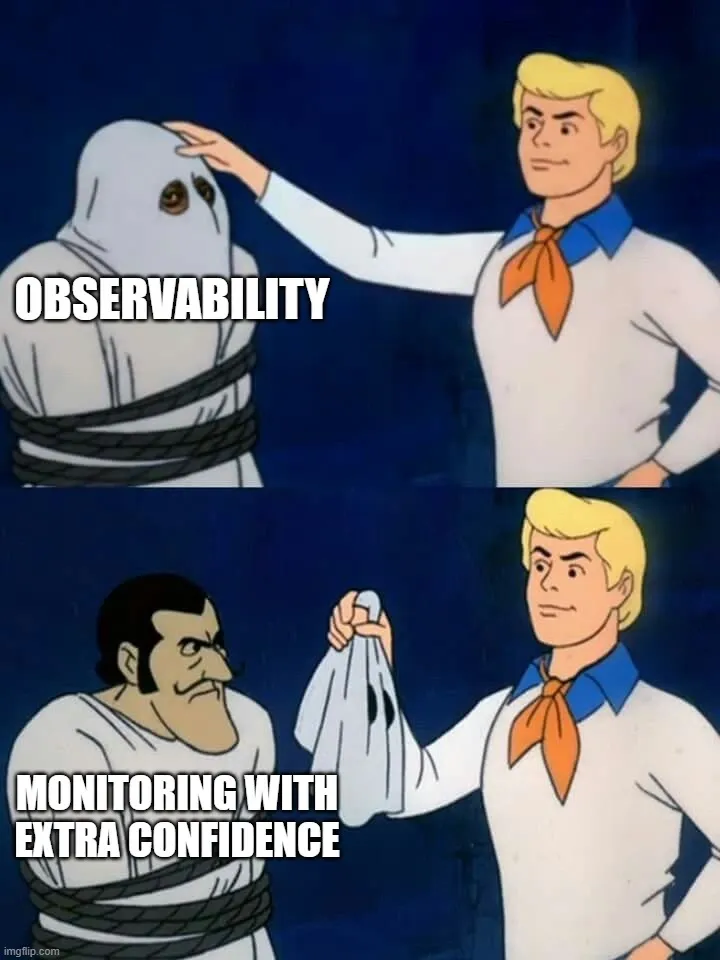
The terms Cloud Observability and Cloud Monitoring are used all the time interchangeably.
Dashboards, alerts, logs, traces—everything ends up under the same umbrella, and for a while, that feels fine. You can ship features, monitor metrics, and respond when something breaks.
The difference between monitoring and observability only really shows up when something goes wrong, and the usual tools don’t help you understand why.
That’s when the gap becomes obvious.
Monitoring Tells You Something Broke
Monitoring is about tracking known signals. You define what matters—CPU usage, request latency, error rates—and set thresholds. When something crosses a limit, you get alerted. It’s a model built around expectations: you decide in advance what “healthy” looks like and watch for deviations.
For many systems, that works well. If a service starts returning 500s or latency spikes beyond a certain point, monitoring catches it quickly. You get a notification, look at a dashboard, and in straightforward cases, you already know where to start.
The limitation shows up when the issue doesn’t match what you planned for. A request might succeed but take a strange path through the system. A dependency might degrade without fully failing. Data might be inconsistent without triggering any obvious error.
From the perspective of monitoring, everything still looks within acceptable ranges. From the perspective of users, something is clearly off.
Observability Helps You Figure Out Why
Observability starts from a different place. Instead of focusing only on predefined signals, it gives you enough visibility into the system to ask new questions after something unexpected happens. Logs, metrics, and traces are still there, but they’re used more as raw material than as fixed indicators.
The key difference is flexibility.
When an issue appears that you didn’t anticipate, you’re not limited to the dashboards you already built. You can explore. Slice data in different ways. Follow a request across services. Compare behaviour between environments or time periods.
It’s less about “is this metric above a threshold” and more about “what is actually happening inside the system right now.” That shift matters in distributed environments, where problems rarely stay within a single service.
Where Monitoring Starts to Struggle
As systems grow, the number of possible failure modes increases faster than the number of alerts you can realistically maintain. You can keep adding dashboards and thresholds, but there’s always something you didn’t think to measure. Over time, teams either end up with alert fatigue or blind spots. Sometimes both. There’s also a maintenance cost. Metrics need to be updated as services evolve. Alerts need tuning. Dashboards drift away from the current state of the system. None of this means monitoring stops being useful. It just stops being sufficient on its own.
Observability Isn’t Just “More Data”
It’s tempting to think of observability as simply collecting more logs or more metrics. In practice, that tends to make things worse. More data without structure or context makes it harder to find anything meaningful when you need it.
What actually makes observability work is how data is organised and connected.
A trace links together multiple services involved in a single request. Structured logs make it possible to filter by meaningful attributes instead of searching raw text. High-cardinality data lets you zoom in on specific users, endpoints, or edge cases. This makes it possible to move from a vague symptom to a concrete explanation without guessing where to look next.
The Day-to-Day Difference
In a monitoring-heavy setup, incident response often follows a familiar pattern. An alert fires. Someone checks dashboards. A few usual suspects get investigated. If the issue isn’t obvious, debugging slows down and turns into a process of elimination.
In a system with strong observability, the flow feels different. You start from a symptom—an endpoint behaving strangely, a subset of users affected—and drill down from there. You follow the request path, look at how different services interacted, and narrow the scope until the cause becomes clear. It doesn’t remove the need for experience or intuition, but it gives you better tools to apply both.
Why the Distinction Matters More in the Cloud
In traditional, more centralised systems, monitoring could cover a large part of what you needed. Fewer moving parts meant fewer unknowns.
Cloud architectures are different:
-
Services are distributed
-
Dependencies are external
-
Infrastructure changes frequently.
-
A single user request can pass through multiple layers you don’t fully control
In that environment, problems often don’t present themselves as clean failures. They show up as combinations of small issues across several components.
That’s where predefined metrics alone start to fall short. You need a way to explore the system as it behaves, not just as you expected it to behave.
It’s Not a Replacement
Monitoring still plays an important role. You need alerts for critical conditions and simple signals that tell you when something is clearly wrong. Without that, you’re reacting too late.
Observability builds on top of that. It fills in the gaps when the situation doesn’t match the playbook. Thinking of one as replacing the other tends to lead to awkward setups. Teams either drown in data without clear signals or rely on alerts that don’t capture what’s actually happening. The balance usually works better: monitoring for known failure modes, observability for everything else.
Where Teams Often Get Stuck
Adopting observability isn’t just about adding tools. A common pattern is to integrate a new platform, start collecting traces, and assume the problem is solved. But if instrumentation is inconsistent or if teams don’t know how to use the data, the value stays limited.
There’s also a tendency to treat observability as an ops concern. In practice, it works best when developers are involved, because they understand how the system is supposed to behave and what signals are meaningful. Without that connection, you end up with data that looks detailed but doesn’t answer the questions you actually have during an incident.
A More Useful Way to Think About It
Monitoring answers questions you already knew to ask. Observability helps with the ones you didn’t.
Both are useful. The difference shows up when the system behaves in ways you didn’t plan for—which tends to happen more often as complexity grows. At that point, the question isn’t whether you have enough dashboards, but whether you can follow what’s happening inside your system without guessing.
Go Cloud Native, Go Big
Revolutionise your organisation by becoming a born-again cloud enterprise. Embrace the cloud and lead the future!
Read more:
How to Plan a Cloud Migration (Without Losing Your Mind)
You know you need to move to the cloud. But you're terrified: What if we lose data? How long will this take? What if it ...
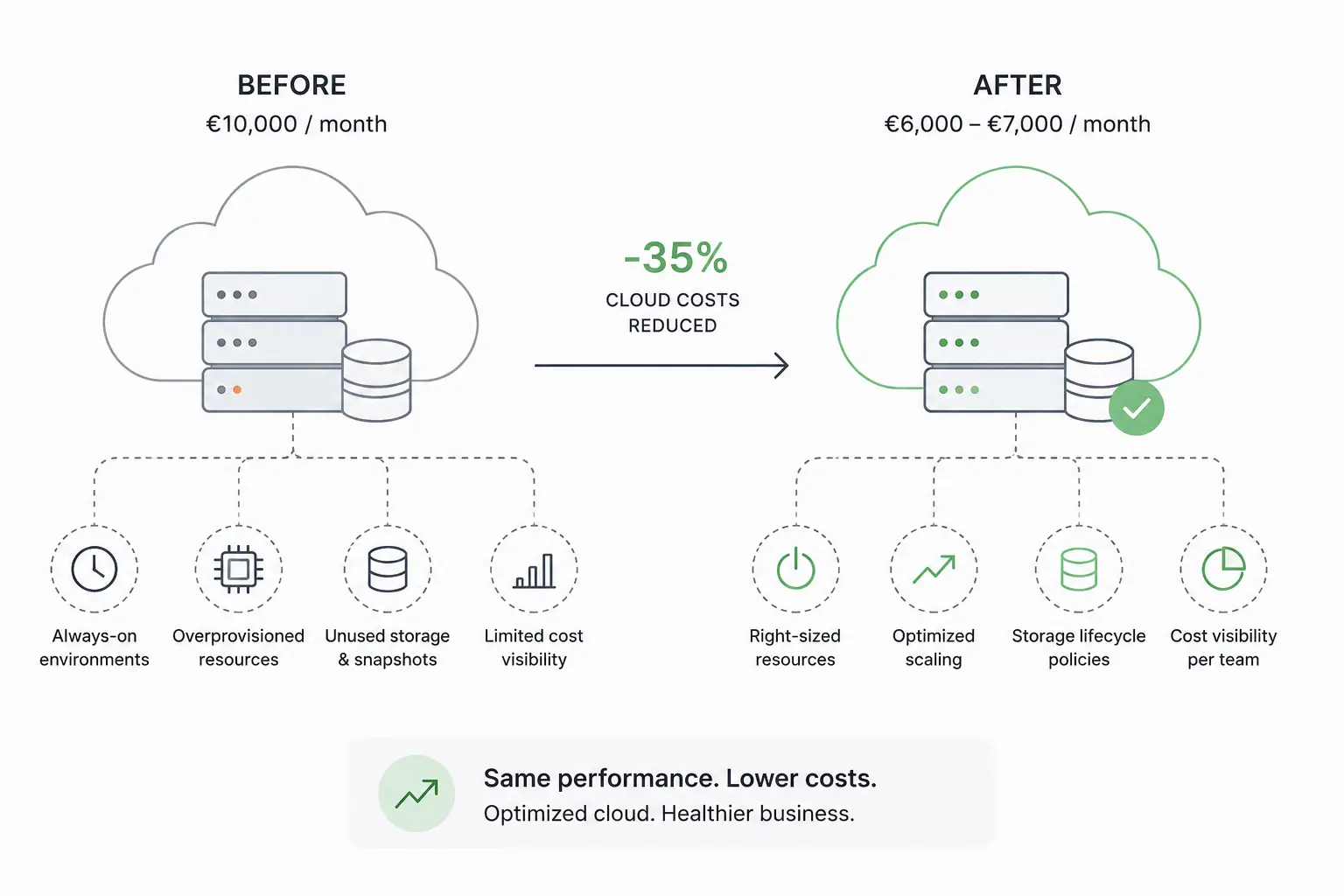
Cloud Cost Optimisation: How We Helped a SaaS Company Reduce Cloud Spend by 35%
A small SaaS company with around 50 employees approached us with a concern that had begun to surface in budget discussio...
Cloud Observability vs. Cloud Monitoring
The difference between monitoring and observability only really shows up when something goes wrong, and the usual tools ...
What Happens When a Cloud Region Goes Down
Most teams build their systems expecting small failures. A container crashes. A node disappears. Maybe an availab...
Cloud Security Basics Developers Often Ignore
Cloud security is often framed as a shared responsibility. In practice, that usually translates to something like: “the ...
Why Most Cloud Migrations Fail Before the First Deployment
Cloud migration often starts with confidence. The plan sounds simple: move existing systems to the cloud, reduce infrast...