Bug Fixing in the Age of AI: How to Use Coding Agents Without Turning Your Codebase Into Spaghetti

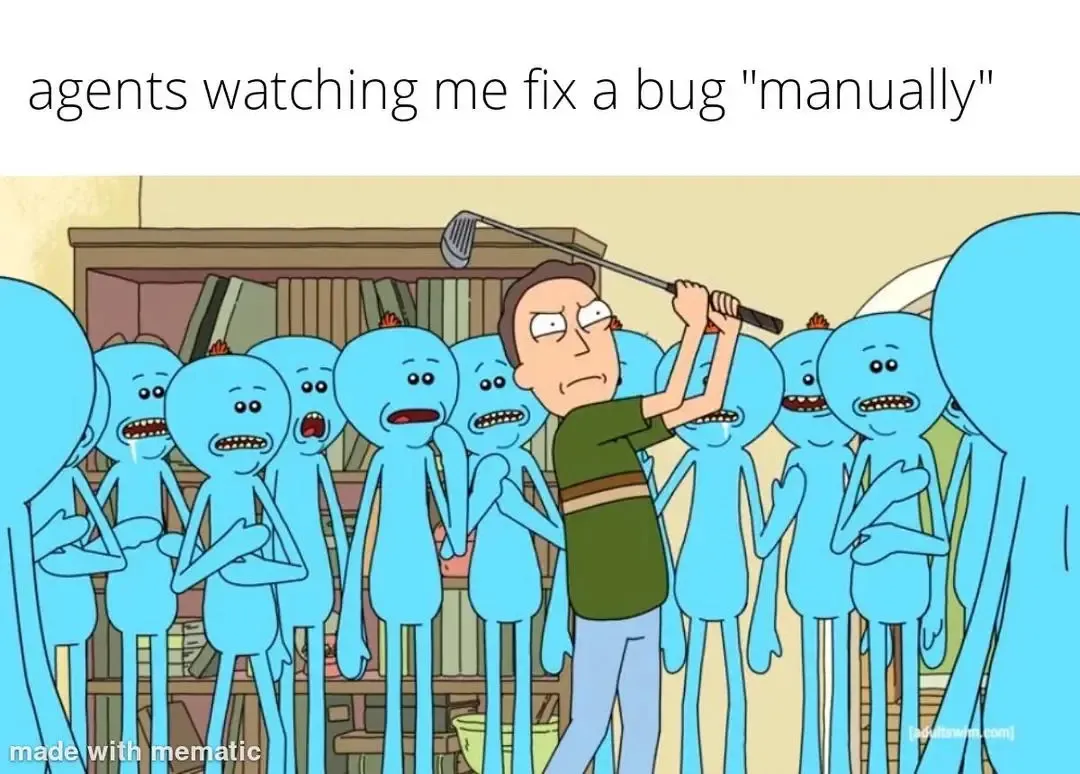
Bug fixing has changed.
Not because bugs are different. They’re still null references, race conditions, broken assumptions, and unexpected edge cases. The difference is that now, when something breaks, you’re no longer alone with the stack trace.
You have AI assistants that can:
-
Suggest fixes instantly
-
Refactor entire functions
-
Generate tests
-
Explain unfamiliar code
-
Propose architectural changes
That kind of power shifts how developers approach problems. The temptation is obvious: paste the error, accept the suggestion, move on.
Sometimes that works, bun speed without understanding creates a new class of problems. Quick patches that ripple across modules. Defensive checks that hide deeper issues. Refactors that quietly alter system boundaries. Code that passes today’s test but complicates tomorrow’s change.
The challenge isn’t whether to use AI when fixing bugs. It’s how to use it in a way that makes your life easier without slowly degrading your codebase — and without outsourcing your learning process.
The New Bug-Fixing Reality
AI assistants are very good at:
-
Generating boilerplate
-
Suggesting edge-case checks
-
Refactoring repetitive code
-
Writing tests
-
Explaining stack traces
-
Searching across the codebase
They are less reliable at:
-
Understanding architectural intent
-
Respecting long-term design trade-offs
-
Avoiding subtle coupling
-
Protecting system boundaries
-
Preserving domain logic clarity
If you blindly accept everything they generate, you’ll move fast. And you’ll slowly lose coherence.
The Real Risk Isn’t AI. It’s Unreviewed Velocity
AI doesn’t create spaghetti code. Unsupervised velocity does. When fixing a bug with AI, developers often:
-
Paste the stack trace into the assistant.
-
Accept the suggested fix.
-
Ship.
It works until three other flows break because:
-
The fix bypassed a validation layer.
-
A shared utility was modified carelessly.
-
A null-check masked a deeper state problem.
-
A concurrency issue was “solved” by adding a retry loop.
The bug disappears, but the system degrades.
A Better Approach: AI as Pair Programmer, Not Replacement
Here’s a practical way to approach bug fixing with AI while staying in control.
1. Understand the Failure Before Asking for a Fix
Before prompting AI:
-
Reproduce the issue.
-
Read the stack trace.
-
Trace the data flow.
-
Identify the boundary where behaviour diverges.
Ask yourself: where does reality differ from expectation?
If you don’t understand the bug, you can’t evaluate the fix. AI can accelerate understanding — but it shouldn’t replace it.
2. Use AI to Explore, Not Patch
Instead of asking:
“Fix this bug.”
Ask:
-
“Explain what could cause this null value here.”
-
“What edge cases might trigger this condition?”
-
“Where else in this codebase could this assumption break?”
This shifts AI from a patch generator to a thought amplifier. You stay in architectural control.
3. Keep Fixes Local and Explicit
AI often suggests broad refactors. Be cautious.
Bug fixes should:
-
Minimise surface area.
-
Avoid touching unrelated modules.
-
Preserve clear boundaries.
-
Include tests.
When an AI suggests modifying a shared helper used in 37 places, pause. Sometimes the clean-looking solution increases systemic risk.
4. Always Add a Test Before Merging
AI-generated fixes without tests are landmines. A good workflow:
-
Reproduce bug.
-
Write a failing test.
-
Ask AI for possible implementation approaches.
-
Implement (or refine AI’s suggestion).
-
Verify test passes.
-
Run related suites.
The test is your anchor. Without it, velocity becomes guesswork.
5. Refactor Later — Intentionally
AI loves to “improve” code while fixing it. So it is important to separate a bug fix commit and a refactor commit. Future you (and your team) will thank you.
The Learning Problem
There’s another concern developers rarely admit, like: if AI writes the fix, are you still learning? The answer depends on how you use it.
If you:
-
Accept suggestions blindly → you stagnate.
-
Interrogate suggestions → you accelerate.
AI can expose patterns you haven’t seen. It can explain legacy code faster than any senior engineer has time to. It can highlight inconsistencies across modules. But only if you engage with it. Typing everything manually doesn’t guarantee learning. Blind acceptance doesn’t either. Reflection does.
When You Should Go “Manual”
There are moments when typing the fix yourself is valuable:
-
Core domain logic
-
Security-sensitive flows
-
Concurrency-heavy code
-
Performance-critical paths
-
Architectural boundaries
In these areas, depth matters more than speed. So let the agents autocomplete the repetitive parts, but own the critical decisions.
A Practical AI Bug-Fixing Workflow
A balanced flow might look like this:
-
Reproduce the bug in an isolated environment.
-
Write a failing test.
-
Ask AI to analyse possible causes.
-
Validate hypotheses manually.
-
Implement a fix with AI assistance.
-
Review the diff carefully.
-
Run full test suite.
-
Reflect: What did I learn?
That last step is underrated. AI gives answers. And engineers build understanding.
Staying in Control in a World of AI
Bug fixing isn’t just about typing fast or accepting suggestions. Even with AI, real skill comes from knowing what to trust, what to question, and when to take ownership. AI can generate code, suggest edge cases, or explain legacy logic, but the final call is yours. Treat it as a collaborator, not a replacement. Use it to explore, verify, and accelerate — but let your understanding guide the fix.
Teams that balance speed with discipline write fixes, not just patches. They make minimal, explicit changes, test thoroughly, and reflect on what they’ve learned.
AI can suggest answers. You decide which ones belong in your codebase. That keeps your system stable, your code maintainable, and your skills sharp.

Optimize with ZEN's Expertise
Upgrade your development process or let ZEN craft a subsystem that sets the standard.
Read more:
Building a PWA in 2026: What a Regular React Developer Actually Needs to Learn
If you have already built React applications, Progressive Web Apps are probably less intimidating than they sound. The ...

If AI Replaces Junior Roles, Where Do Senior Developers Come From?
There’s a quiet contradiction in how people talk about AI in software development. On one side, there’s excitement about...

5 Things to Consider When Building a Website That Actually Ranks Well
A lot of SEO advice still sounds like it came from 2014. Endless keyword checklists, “content is king,” and obsessing ov...

Will Software Security Improve with AI Coding Agents Like Claude Mythos — Or Get Worse?
Every new wave of tooling in software development comes with the same split reaction. Some people see leverage. Others s...
5 Tools Experienced React Developers Should Try in 2026
If you’ve been working with React for a while, your stack is probably already in a good place. You’re not looking for ye...
Bug Fixing in the Age of AI: How to Use Coding Agents Without Turning Your Codebase Into Spaghetti
Bug fixing has changed. Not because bugs are different. They’re still null references, race conditions, broken assumpti...